Care
Cleaning your iPhone, Mac and AirPods safely
What Apple says you can and can’t use to clean screens, cables, MagSafe chargers and AirPods, and what to look for in a cleaning kit.
Checked against sources 15 October 2026
The basics (all Apple products)
From Apple’s How to clean your Apple products:
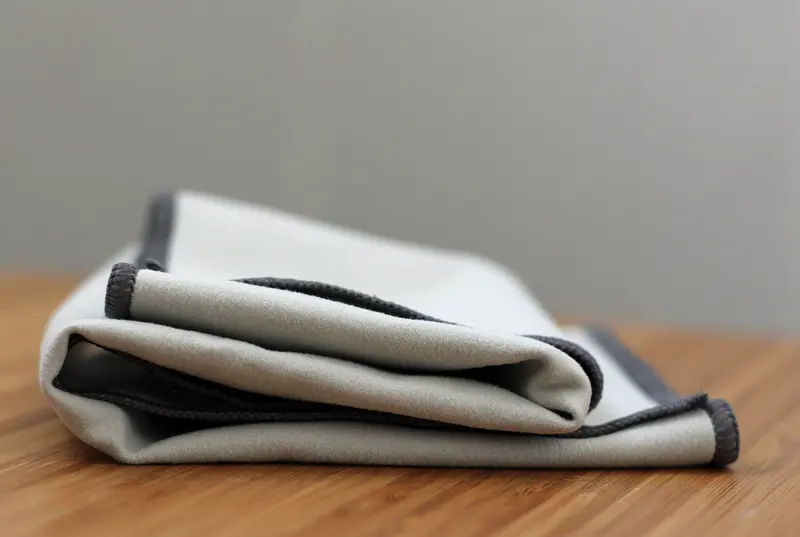
- Use only a soft, lint-free cloth. Avoid abrasive cloths, towels, kitchen roll or similar items.
- Never spray cleaner straight onto the product, and avoid aerosol sprays, bleach and abrasives.
- Disinfecting: a 70% isopropyl alcohol wipe, 75% ethyl alcohol wipe or disinfectant wipe can be used gently on hard, non-porous surfaces. Don’t use them on fabric or leather, and don’t use bleach or hydrogen peroxide.
- Keep moisture out of openings.
Screens
- Mac: shut down and unplug, then use a cloth dampened with water only. Apple says 70% isopropyl alcohol is OK for stubborn smudges on many models. Check the guidance for yours.
- Displays: never use a cleaner that contains acetone.
- iPhone: Apple says cleaning products and abrasives can wear the oleophobic (fingerprint-resistant) coating, and not to use compressed air.
Cables, chargers and ports
- Cables: unplug, wipe with a slightly damp cloth (a little soapy water if needed), keep moisture off the connectors, and let the cable dry overnight.
- MagSafe Charger: brush any debris off the magnetic ring, then wipe with a microfibre cloth dampened with 70% isopropyl alcohol.
- iPhone’s Lightning or USB-C port: use a soft, dry, lint-free cloth, with no liquids or cleaning products. Apple says some discolouration of the connector is normal.
AirPods
For AirPods Pro meshes, Apple names the Belkin AirPods Cleaning Kit, or micellar water, distilled water and a soft children’s toothbrush. Don’t put AirPods under running water or use sharp objects, and let them dry for at least two hours. Don’t put anything into the case’s charging ports.
Choosing a cleaning kit
Look for a soft microfibre cloth, a cleaner that doesn’t contain acetone, bleach or abrasives, and an applicator you spray onto the cloth, not the device. Browse cleaning kits.
Sources checked 15 October 2026
- Apple Support – How to clean your Apple products support.apple.com
- Apple Support – Cleaning your iPhone support.apple.com
- Apple Support – How to clean your AirPods Pro support.apple.com
- Apple Support – Important handling information for iPhone support.apple.com