Badges
“MFi”, “Made for iPhone” and Find My accessories explained
What Apple’s MFi badge does and doesn’t cover, why there’s no MFi badge on a USB-C charger, and how third-party Find My trackers work. All from Apple’s own pages.
Checked against sources 15 October 2026
What MFi is
Apple’s MFi Program “includes third-party hardware accessories that use Apple's MFi licensed technology to connect electronically to Apple devices”. Licensed parts include Lightning connectors, the Apple Watch Fast Charger Module and authentication chips. Licensed technologies include the Find My network. Apple says the MFi badge tells customers “an accessory has been certified by the developer to meet Apple performance standards”.
You’ll see it as “Made for iPhone”, “Made for iPad”, “Made for Apple Watch” and so on, on the accessory’s packaging.
What MFi doesn’t cover
Apple’s FAQ lists things outside the programme:
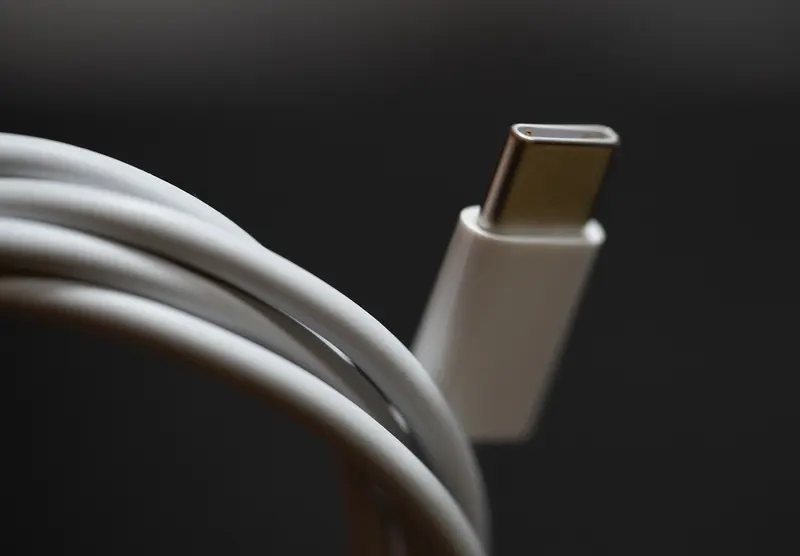
- USB-C charging accessories and standard USB-class devices, so USB-C chargers and USB-C to USB-C cables carry no MFi badge. That’s normal. Apple says makers of these “do not use any MFi Licensed Technologies” and needn’t join.
- Cases without MFi components, such as ordinary protective cases and folios.
For USB-C, look for USB-IF certification and logos instead (see USB-C cables explained), plus UK safety markings and a reputable seller (see charger safety in the UK).
When the badge matters
Lightning cables and accessories. Apple “recommends only using accessories that Apple has certified and that come with the MFi badge”. It warns that counterfeit or uncertified Lightning accessories can damage your device. The “connector end may fall off, get very hot or may not fit”, and they may not charge or sync. Genuine Apple Lightning to USB cables have printed text about 17.5cm from the USB end, ending in a 12-digit serial number.
Apple Watch chargers. Apple says to use its own chargers or MFi-certified “Made for Apple Watch” ones. With counterfeit or uncertified chargers “you could experience slow charging, repeated chimes and reduced battery lifespan”. Apple-made charging connectors are white. Apple also points to a public database of certified MFi accessories. The charger that comes with Apple Watch Series 12 and Ultra 4 charges those models faster than older chargers.
Find My accessories
Accessory makers join the Find My network through the MFi Program, and Apple lists compatible products on its Find My page. To add one, open the Find My app and use Add Other Item. Apple adds: “If the item is registered to someone else’s Apple Account, they need to remove it before you can add it.” Check that before buying a used tracker.
Find My network accessories include features to guard against unwanted tracking. Apple and Google’s joint standard means alerts can reach both iPhone and Android users. Apple explains what to do if you get an alert in its support article.
We haven’t found an Apple page that sets out the rules for the “Works with Apple Find My” badge, so we don’t describe it here. If a product says it works with Find My, check it’s on Apple’s list or ask the maker.
Sources checked 15 October 2026
- Apple – MFi Program: Frequently Asked Questions mfi.apple.com
- Apple – MFi Program: Who Should Join mfi.apple.com
- Apple – MFi Program: How It Works mfi.apple.com
- Apple Support – Identify counterfeit or uncertified Lightning connector accessories support.apple.com
- Apple Support – Identify authentic and certified Apple Watch chargers support.apple.com
- Apple Developer – Find My network developer.apple.com
- Apple Support – Add or update a third-party item in Find My on iPhone support.apple.com
- Apple (UK) – iCloud: Find My apple.com
- Apple Support – If you get an alert that a Find My network accessory is with you support.apple.com