Protection
Protecting a new iPhone: cases, screens and charging
How to choose a case and screen protector that fit your exact iPhone and keep MagSafe and Qi2 charging working. Includes what Apple says about Ceramic Shield, metal cases and liquids.
Checked against sources 15 October 2026
1. Get the exact fit
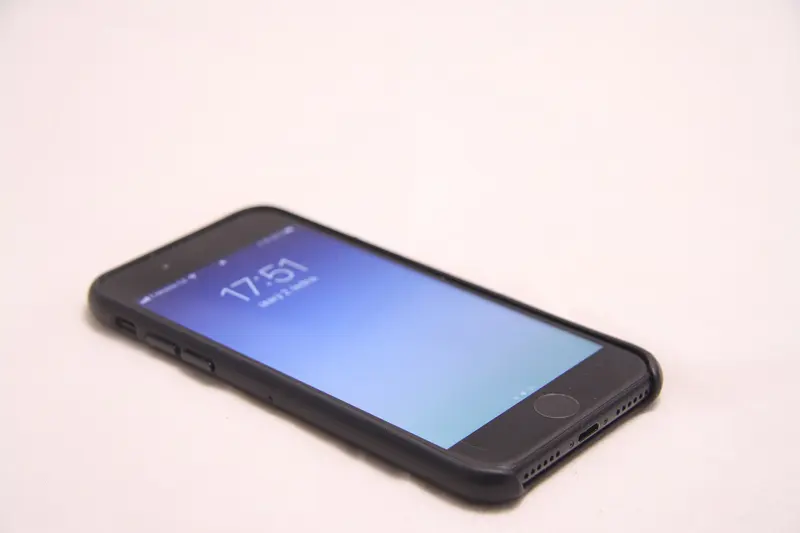
iPhone generations often look alike but differ in size, buttons and camera layout. A case for iPhone 17 Pro isn’t made for iPhone 18 Pro. Every case and screen protector here lists the exact models its maker says it fits. Pick your iPhone in the cases or screen protectors filter and only matching items show.
2. Keep wireless charging working
- Magnets: Apple’s MagSafe cases have magnets built in. Apple says you can leave the case on and use a MagSafe charger, or set it on a “Qi2 25W or Qi-certified charger”. For other brands, look for “MagSafe compatible” or Qi2 in the maker’s description. Our product pages only say a case works with MagSafe when the maker says so.
- Avoid metal and very thick cases: Apple says thick, metal or battery cases can slow or stop wireless charging, and to remove metallic cases when using a wireless charger.
- Wallets: Apple says to remove its leather wallet before putting a MagSafe Charger on the back.
3. The screen
Apple’s spec pages list Ceramic Shield 2 on the front of iPhone 18 Pro, iPhone 17, iPhone Air, iPhone 17e and iPhone Duo. Apple says the iPhone 18 Pro front has “3x better scratch resistance than iPhone 16 Pro”. Whether to add a protector is up to you. Apple doesn’t publish guidance on third-party screen protectors, so we don’t claim any benefit beyond what each maker says. If you do fit one, choose the one made for your model. An installation frame makes it easier to line up.
4. Water and charging
Even water-resistant iPhones shouldn’t be charged wet. Apple: “Do not attempt to charge a wet iPhone.” After exposure to liquid, Apple says to allow at least 5 hours before charging or connecting a Lightning or USB-C accessory. To clean the port, use a soft, dry, lint-free cloth and no liquids.
5. Magnets and medical devices
Apple advises keeping iPhone and MagSafe accessories at least 15cm (6 inches) from medical devices such as pacemakers. When using a wireless charger, it’s 30cm (12 inches). Check with your doctor and the device maker.
A sensible starter kit
- A case made for your exact model, with magnets if you use MagSafe or Qi2.
- A screen protector for your model, if you want one.
- A USB-C charger with enough watts. See charging speeds.
- A MagSafe or Qi2 charger that matches your iPhone’s wireless speed. See MagSafe vs Qi2 vs Qi.
Or see our kits for ready-made sets.
Sources checked 15 October 2026
- Apple (UK) – iPhone 18 Pro and 18 Pro Max technical specifications apple.com
- Apple (UK) – iPhone 18 Pro and iPhone 18 Pro Max apple.com
- Apple (UK) – iPhone 17 technical specifications apple.com
- Apple (UK) – iPhone 18 Pro Max Clear Case with MagSafe apple.com
- Apple Support – How to charge your iPhone wirelessly support.apple.com
- Apple Support – Important safety information for iPhone support.apple.com
- Apple Support – Important handling information for iPhone support.apple.com
- Apple Support – About potential interference with medical devices support.apple.com
- Apple Support – MagSafe chargers and battery packs for iPhone support.apple.com